




StataNow™
Directly from development to you.
With StataNow, you always have the latest features.
What is StataNow?
StataNow is a continuous-release version of Stata, where new features are published as soon as they are ready for use. These enhancements are provided via free updates.
StataNow is an integral part of all Stata annual licenses. Anyone with a valid annual license automatically uses StataNow.
Is StataNow a separate product?
No. StataNow is not a standalone product or an additional edition. It means that users with an annual license no longer have to wait for the next major release to use new features. Instead, StataCorp continuously provides new features as soon as they are completed.
Do existing users with annual licenses receive the benefits of StataNow?
Yes. All existing customers with a valid annual license automatically receive access to StataNow – at no additional cost or separate activation.
Do users with a perpetual license receive StataNow benefits?
No, not automatically. Perpetual licenses do not include StataNow access.
However, if the perpetual license has an active maintenance agreement, access to StataNow can be requested.
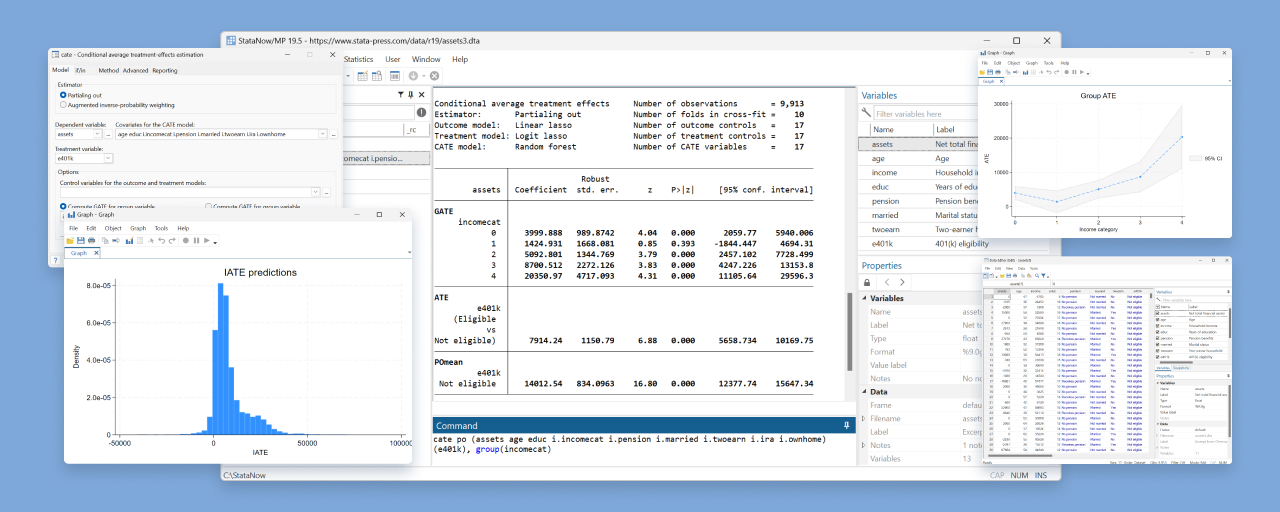
Which licenses qualify for StataNow?
All annual licenses, regardless of
- single-user, network, or site license,
- one-year or multi-year term,
- edition (Stata/MP, Stata/SE, or Stata/BE).
Do students qualify for StataNow?
Yes, provided they have an annual license. This includes student annual licenses as well as 6-month licenses.
How do users receive StataNow updates?
Annual license holders receive updates directly from Stata. The software automatically notifies you of available updates. Users can decide for themselves if and when to download and install them.
How do I know if I am using StataNow?
- When Stata starts, “StataNow” appears on the splash screen.
- Alternatively: Type “about” in the Command window.
The first line will indicate whether it is StataNow.
New in StataNow™
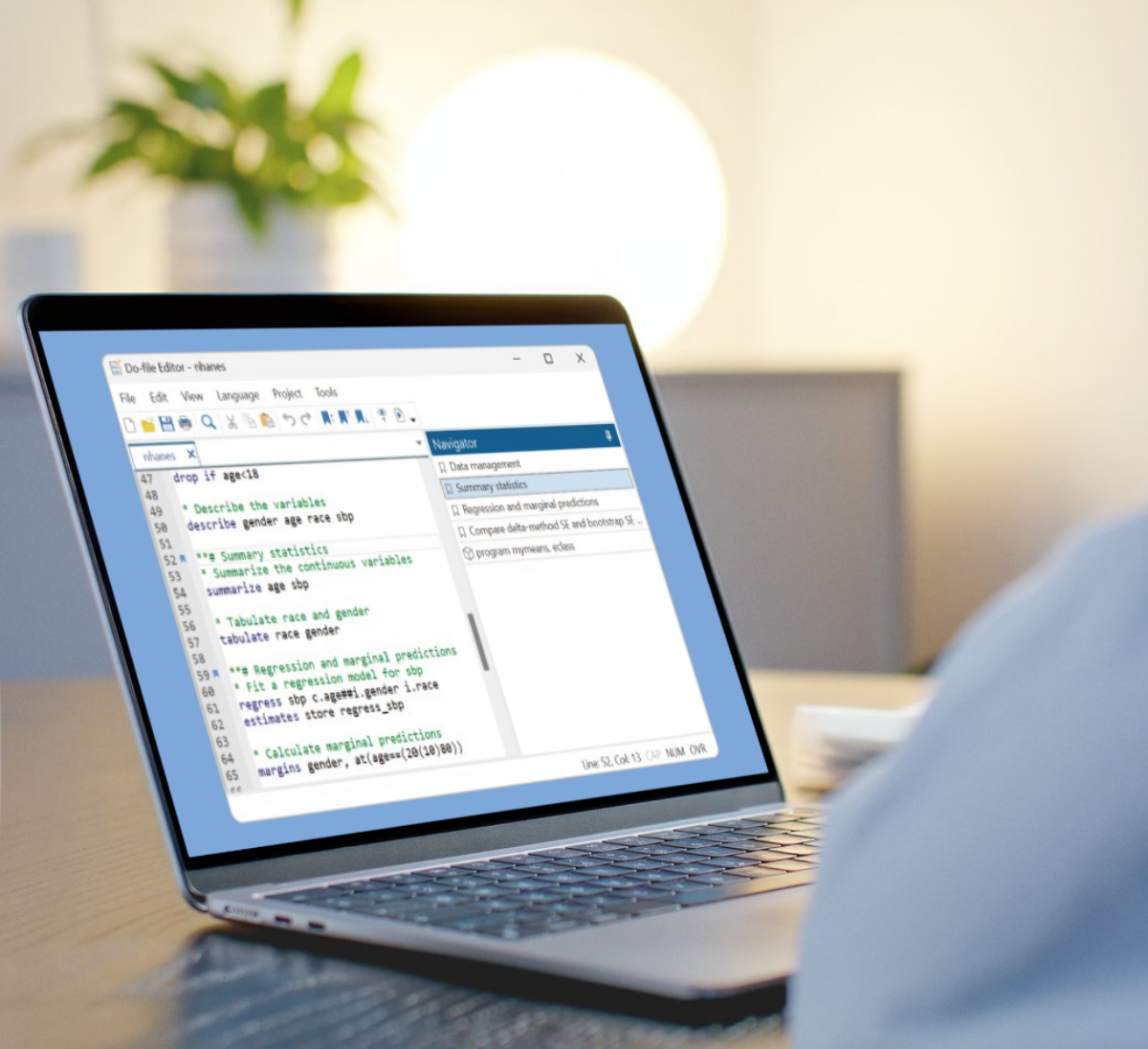
Conveniently Download StataNow Updates Now
Make sure you have access to the new features released in the updates. In Stata, type
. update all
into the Command window. Then type
. help whatsnew
to see a list of all new features added since Stata 19 was released. If you have StataNow, the steps above will also give you access to all StataNow features.